The best no-subscription nanny cams store footage locally on a microSD card or internal memory instead of routing it through a cloud service. This means no monthly fees, no recurring account to manage, and full ownership of your own footage. Look for local storage, a dedicated (not cloud-dependent) app, and long battery or continuous power options — these three features separate a genuinely subscription-free camera from one that quietly nudges you toward a paid plan later.
Why do so many nanny cams push you toward a subscription?
Because recurring revenue is good business — for the manufacturer, not necessarily for you. Many cameras on the market today are sold at a steep discount up front, with the real profit built into the $8, $15, or $30 monthly cloud storage plan you’re nudged toward during setup. Miss a payment, and your 30-day footage history quietly disappears. That’s not a technical limitation. That’s a business model.
A camera that respects your investment works differently. It stores what it records — on the device itself — and hands you full control over that footage without asking you to keep paying for the privilege of accessing what you already own. That distinction matters more than most buyers realize until they’re three months in and still getting billed.
What actually makes a nanny cam “no-subscription”?
A true no-subscription nanny cam records to local storage — typically a microSD card, sometimes internal flash memory — and lets you retrieve that footage directly, either by pulling the card or through a local Wi-Fi connection to your phone. There’s no cloud middleman, no monthly invoice, and no dependency on a company’s servers staying online five years from now.
This is the detail that separates a camera built for long-term value from one built for a quarterly earnings call. When you’re evaluating nanny cameras for your home, ask directly: does this store locally, or does it require an account and a plan to access footage older than 24 hours? The answer tells you everything about who the product was designed to serve.
Which nanny cam features matter more than brand name?
Storage architecture matters more than marketing. Beyond that, three features consistently separate a serious camera from a gimmick:
Local storage capacity. A camera that only holds a few hours of footage before overwriting itself isn’t giving you real coverage — it’s giving you a false sense of security. Look for models supporting higher-capacity microSD cards (64GB or more), which can hold days or weeks of continuous or motion-triggered recording.
Motion-activated recording. This extends your storage dramatically by only recording when there’s actual activity in frame, rather than filming an empty room for eight hours straight. It’s a small feature with an outsized impact on how much usable footage you actually retain.
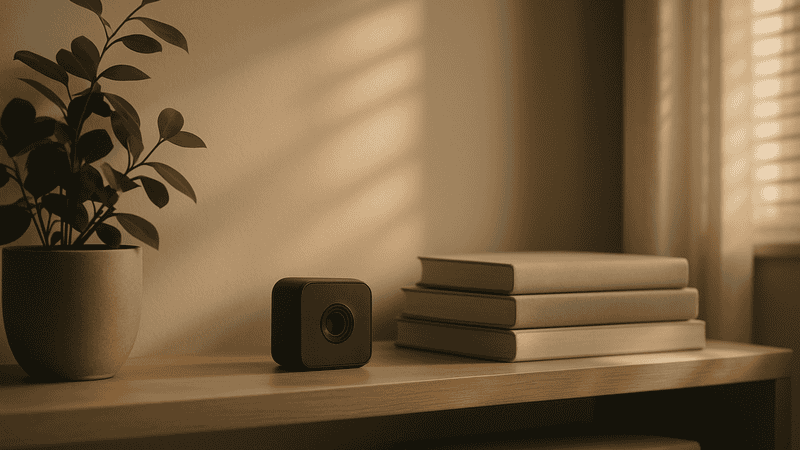
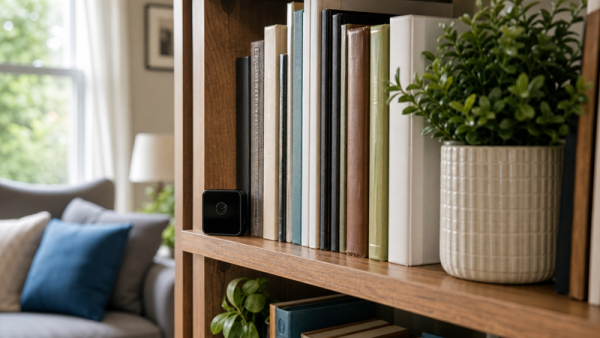
Discretion in form factor. A camera that looks like a camera changes behavior in the room — which defeats the purpose of documenting how your caregiver actually behaves day to day. Devices built into everyday objects, like a clock or an alarm, blend into a room the way a visible camera never will. Our guide on how discreet security devices are engineered to function normally covers the same design principle that applies here — form and function working together without drawing attention.
How much should a quality no-subscription nanny cam cost?
Expect to pay more up front than you would for a subsidized, subscription-dependent camera — and that’s actually the point. A camera priced honestly reflects its true manufacturing cost, not a cost that’s been artificially lowered because the company plans to recoup the difference through years of monthly billing.
Most quality local-storage nanny cams land in a fairly predictable range once you account for build quality, resolution, and battery life. Ultra-cheap models under that range are almost always cutting corners somewhere — usually in video resolution, night vision quality, or how long the battery actually lasts before it needs a recharge. A discerning buyer treats the sticker price as one data point among several, not the deciding factor.
How do you tell a genuinely private camera from one that isn’t?
Read how the footage leaves the device — or whether it leaves at all. A camera engineered for privacy keeps your footage local by default and only transmits it off-device when you actively choose to, over your own home Wi-Fi network, to your own phone. No third-party server ever touches it.
Compare that to cloud-first cameras, where footage is uploaded automatically to a company’s servers the moment it’s recorded — often before you’ve even seen it yourself. That’s a fundamentally different privacy posture, and it’s worth understanding before you place a camera in a nursery or family room. If you’re newer to this category altogether, our guide on what a nanny cam actually is and how it fits into home life walks through the basics without the sales pressure.
What should you look for in night vision and video quality?
Resolution and low-light performance are where cheaper cameras cut corners fastest. A camera worth owning should record in at least 1080p, with infrared night vision that produces a genuinely usable, identifiable picture in a darkened room — not a grainy silhouette you can’t do anything with.
Test footage samples before buying whenever possible, and pay particular attention to how the camera performs in mixed lighting — a lamp on in one corner, shadows in another. This is a far more realistic test of everyday performance than a manufacturer’s studio demo shot in perfect, even light.
Frequently Asked Questions About No-Subscription Nanny Cams
Do no-subscription nanny cams still connect to Wi-Fi?
Yes, most do — but the difference is what that connection is used for. A no-subscription camera uses Wi-Fi to let you view footage directly from your phone on your own network, not to upload everything to a third-party cloud server. Some models even offer a fully offline mode using only the microSD card.
How much footage can a microSD card actually hold?
A 64GB card, paired with motion-activated recording rather than continuous filming, can typically hold anywhere from one to several weeks of footage depending on resolution and activity levels. Continuous 1080p recording will fill a card considerably faster, so motion detection is worth prioritizing.
Are no-subscription nanny cams harder to set up than cloud models?
Not meaningfully. Most local-storage cameras pair with a dedicated app over your home Wi-Fi in the same way a cloud camera would — the setup steps look nearly identical. The difference happens behind the scenes in where your footage actually goes, not in how many steps it takes to get the camera running.
Can I still view footage remotely without a subscription?
In many cases, yes. Some no-subscription cameras allow remote viewing over your home network without any monthly fee attached — you’re simply accessing footage stored locally rather than pulling it from a cloud account. Confirm this specific capability before buying if remote viewing matters to you.
What happens to my footage if the camera loses power or Wi-Fi?
With local storage, recording typically continues onto the microSD card even if the Wi-Fi connection drops, since the card doesn’t depend on an internet connection to function. A full power loss will stop recording, which is why battery backup or a reliable power source is worth factoring into your decision.
Is a disguised nanny cam legal to use in my own home?
Laws vary by state regarding audio recording and where cameras can be placed within a home, particularly around private spaces like bathrooms. It’s worth reviewing your specific state’s requirements before installing any recording device, disguised or otherwise.
Why do disguised nanny cams cost more than a basic visible camera?
You’re paying for the engineering that goes into making a functional camera fit invisibly inside an everyday object without compromising lens quality, battery life, or storage capacity. That’s a more sophisticated design challenge than building a camera meant to be seen, and the price generally reflects that.
Can I use a no-subscription nanny cam for anything besides childcare monitoring?
Absolutely. The same local-storage, discreet-design principles apply whether you’re monitoring an elderly family member’s caregiver, keeping an eye on a vacation property, or simply documenting activity in a home office. The core value — owning your footage outright — applies regardless of the room it’s in.
A camera that respects your ownership of your own footage isn’t a small distinction — it’s the entire foundation of what makes a nanny cam worth buying in the first place. The families who choose local storage over cloud subscriptions aren’t cutting corners; they’re the ones who’ve thought it through. Browse our full selection of nanny cameras built for real ownership, not recurring fees, and choose the one that fits how you actually want to use it.