What to Look for in a Nanny Cam
Not all hidden cameras are built the same, and when you're counting on one to actually capture what's happening at home, the details matter. Here's what's worth paying attention to when you're choosing a nanny cam.
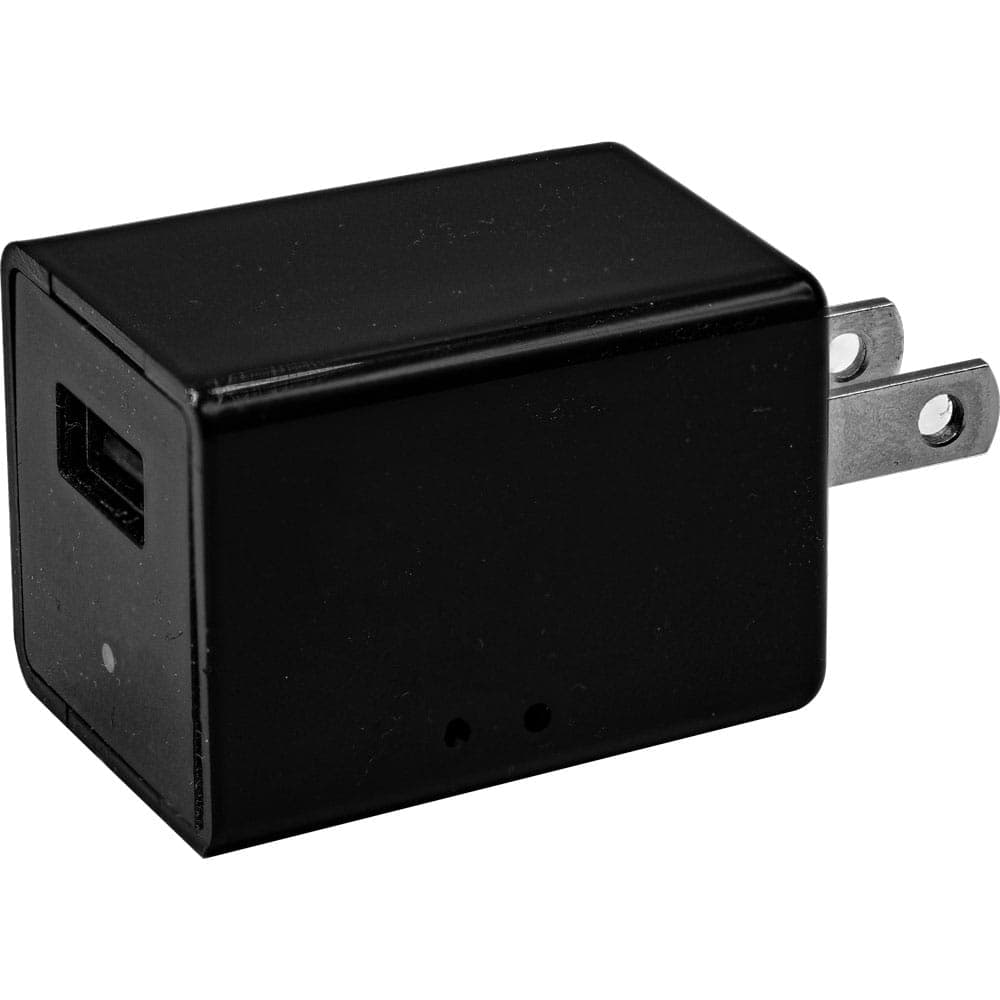
Disguise quality. The best nanny cam is one that never gets noticed in the first place. Look for devices that are functional objects on their own — a charger that actually charges, a pen that actually writes, a decorative piece that looks like it belongs on your wall. If it looks like a camera, it'll get treated like one.
Motion activation. You're not going to sit and review eight hours of empty footage. Motion-activated recording means the camera captures actual activity — someone moving through the room, interacting with your kids, doing their job (or not). It also saves battery life and storage space, which means more relevant footage when you actually need to review it.
Local storage, no subscriptions. Every camera on this page stores footage directly to built-in memory or a micro SD card — no cloud account, no monthly fees, no third party holding your home footage. You pull the card or connect via USB, and the files are yours. That's the right way to handle something this personal.
Video quality. 1080P full HD is the standard here for a reason. You need to be able to clearly identify people, read expressions, and see what's actually happening — not squint at a blurry image. All four cameras on this page record at 1080P, which gives you footage that's actually useful. Browse the full hidden cameras collection if you want to compare additional options.
Frequently Asked Questions
Is it legal to use a nanny cam in my home?
In most U.S. states, it's legal to record video in your own home — including with a hidden camera — without telling the people being recorded. Audio recording is where laws vary more significantly; some states require all parties to consent to being recorded. Since these cameras capture video only, they're generally on solid legal ground in most states. That said, laws do vary, so it's worth a quick check of your state's specific statutes before you set one up.
Should I tell my nanny or caregiver that I have a camera?
That's genuinely a personal decision, and there's no universal right answer. Some parents feel more comfortable disclosing it upfront — it sets expectations and removes any trust concerns later. Others prefer to keep it private so they get an honest picture of day-to-day behavior. What matters most is that you're comfortable with your choice and that your use complies with your local laws. Either way, having a camera in place is about your peace of mind as a parent.
Do these cameras require Wi-Fi or a monthly subscription?
No — and that's one of the things that makes them worth using. Every camera on this page records directly to local storage: either built-in memory or a micro SD card included with the device. There's no Wi-Fi setup, no app to configure, no cloud account, and no monthly fee. You review footage by connecting the device to a computer via USB or removing the storage card. Simple, private, and completely in your control.
Where is the best place to position a nanny cam at home?
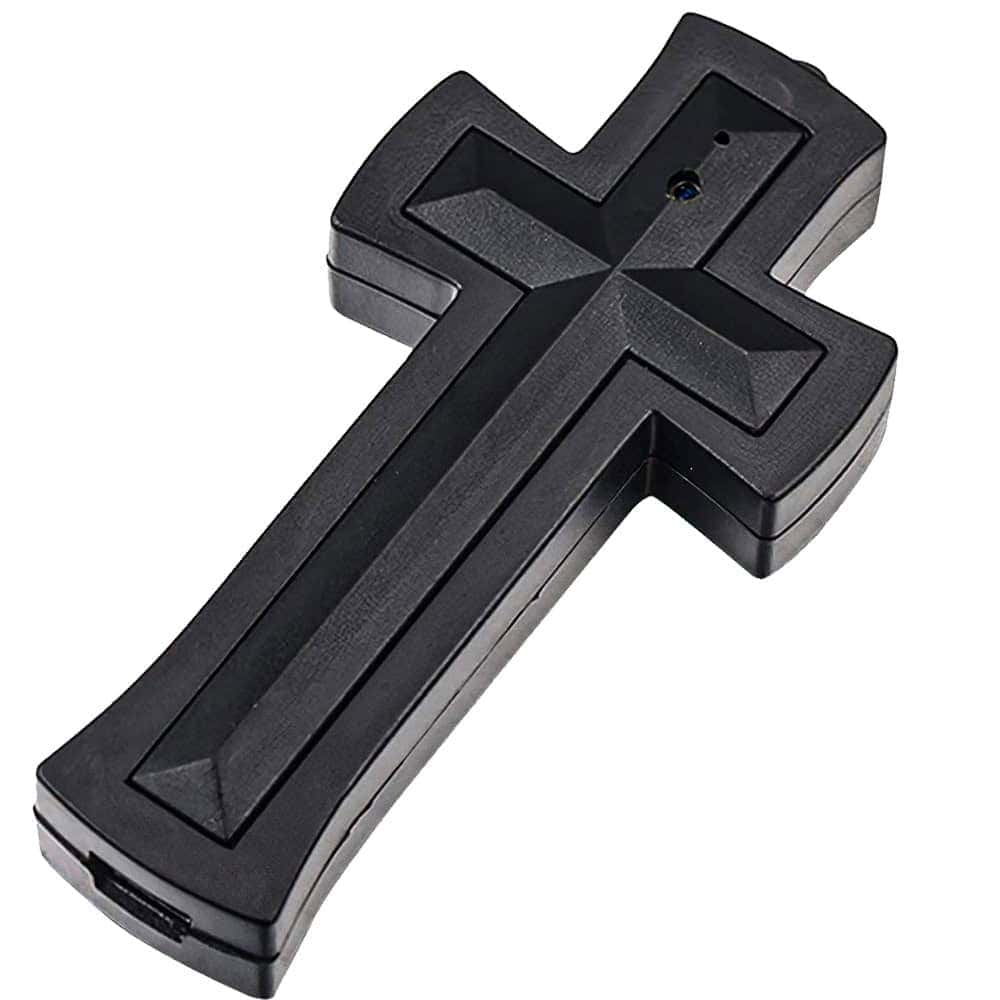
Think about the spaces where your kids spend the most time — the living room, playroom, or main common area. You want a wide, unobstructed angle that captures the room naturally. The wall charger camera works well plugged in near an outlet in a central location. The cross camera is ideal for a wall position with a room-level view. Avoid bedrooms and bathrooms — beyond the legal and ethical concerns, those aren't the spaces you need to monitor.
How much storage do I actually need?
For most in-home monitoring situations, 16GB to 32GB of storage is more than enough — especially when you're using motion activation instead of continuous recording. The cameras on this page come with either 16GB built-in or a 32GB micro SD card included. With motion-activated recording, that storage can cover multiple days of typical household activity before looping. If you're monitoring for an extended period without checking footage regularly, 32GB gives you more buffer.
Ready to See What's Happening at Home?
You've already done the hard part — you hired someone, you set expectations, and you're trying to do right by your kids. A nanny cam doesn't mean you don't trust your caregiver. It means you take your responsibility as a parent seriously. The USB Charger Hidden Camera is a great place to start — it blends in anywhere, it's simple to use, and at $49.95 it's an easy decision. Or browse the full hidden cameras collection to find the right fit for your home.