What Should You Look For in a Hidden Camera for Elderly Care?
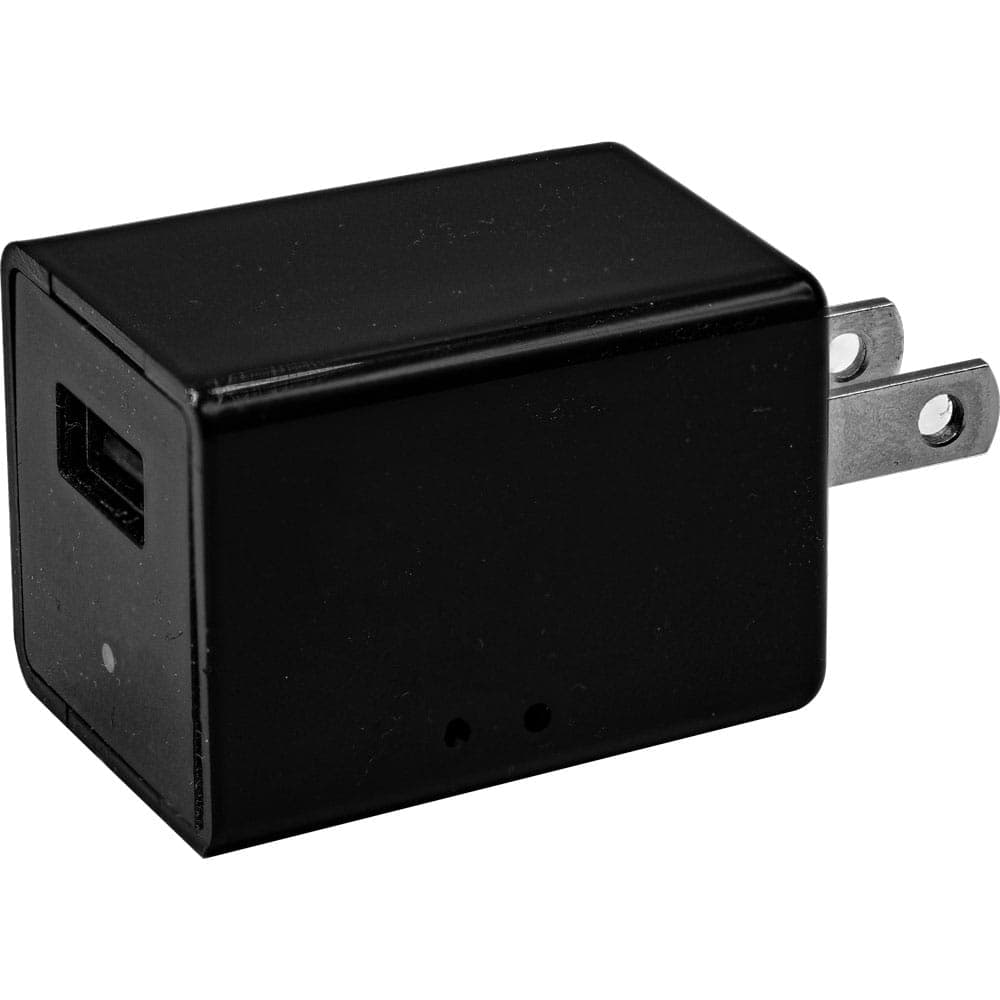
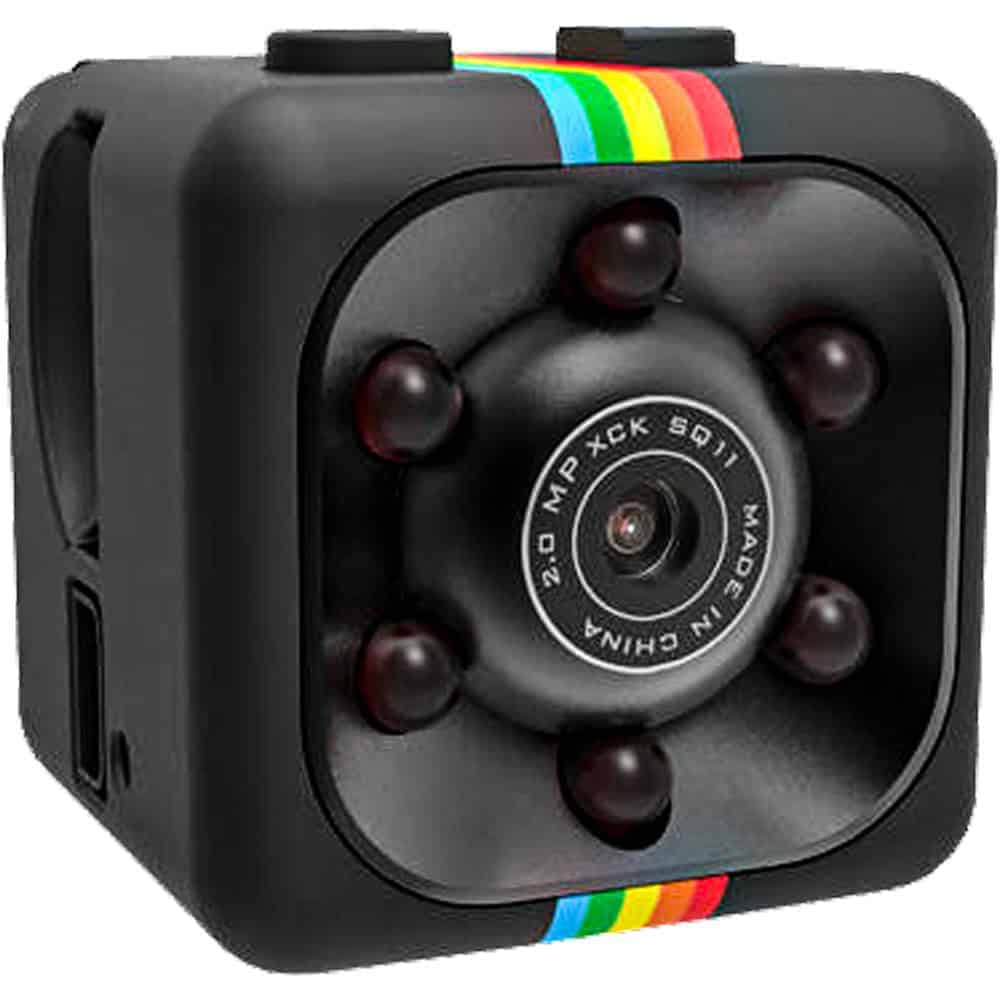
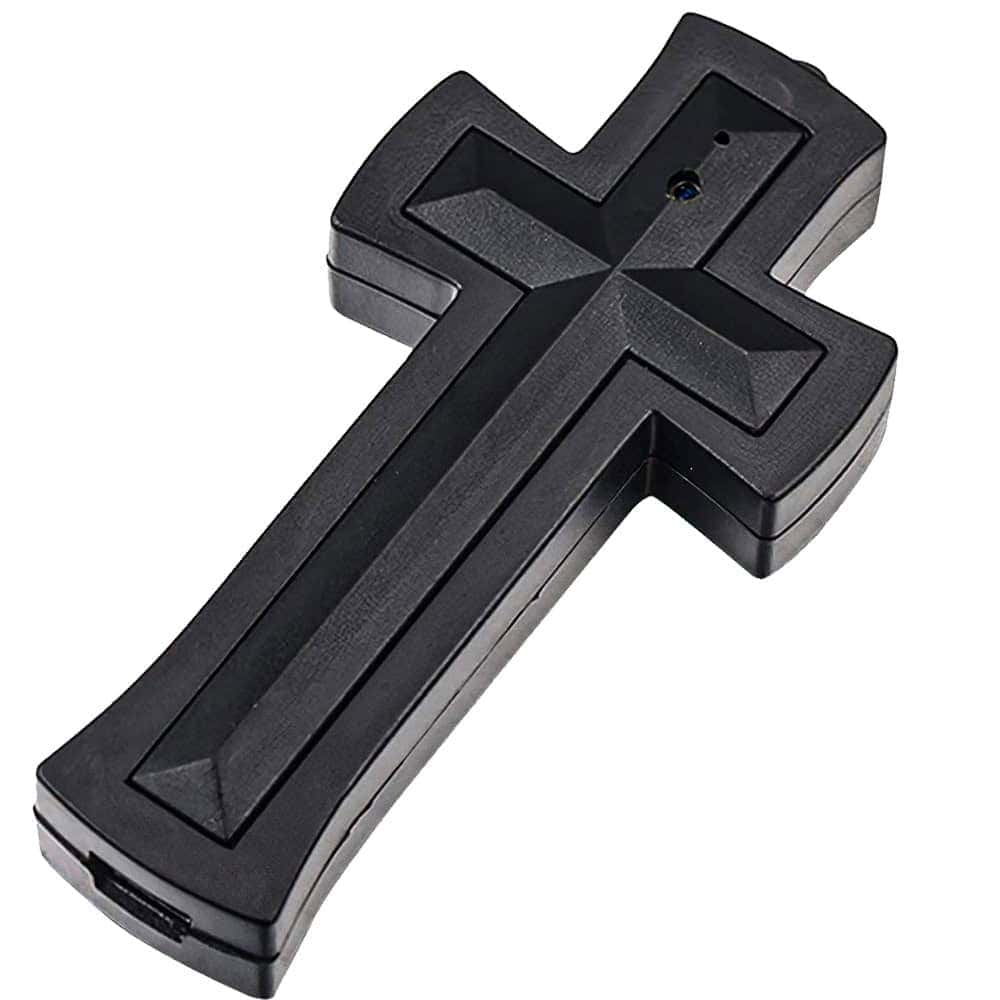
Not every hidden camera fits this situation, so it helps to know what actually matters before you buy. First, think about where your loved one spends the most time — a camera disguised as a religious item works in a bedroom, but a USB charger camera makes more sense near an outlet in the living room or kitchen. Second, consider battery life versus continuous power. A plug-in option like the USB charger camera never needs recharging, while a portable option like the mini cube gives you flexibility to move it room to room.
Third, look at storage and loop recording. You don't want a camera that stops recording after an hour when the whole point is catching what happens when you're not there. Every option above offers loop recording so old footage gets overwritten automatically, and you're not manually managing storage every few days.
Finally, think honestly about your reason for monitoring. If it's a fall risk, a fixed-position camera with a wide view of the room is your best bet. If it's a concern about caregiver conduct, something more mobile and portable — like the mini cube or the pen camera — lets you adjust as needed. For more options, browse the full hidden cameras category to compare styles side by side.
Frequently Asked Questions
Is it legal to use a hidden camera to monitor a home health aide?
In most states, yes — as long as the camera is in a common area of a home you own or rent, and it doesn't record audio without consent. Audio recording laws vary significantly by state, with some requiring all-party consent. Check your specific state's laws before recording audio, and when in doubt, stick to video-only monitoring.
Do I need to tell my parent the camera is there?
Legally, in most cases you don't have to disclose a hidden camera in your own home or a home you're legally responsible for. That said, many families choose a middle ground — telling their parent a camera exists generally for safety, without pointing out exactly where it's hidden, which preserves both safety and dignity.
Will motion-activated recording miss something important?
Good motion detection is sensitive enough to catch a person moving, falling, or entering a room, so it's unlikely to miss the events you actually care about. The tradeoff is a small delay of a second or two before recording starts, which rarely matters for elderly care monitoring where you're looking at patterns of behavior, not split-second incidents.
How long will the footage last before it's overwritten?
That depends on the SD card size and video quality settings, but with loop recording and a 32GB card, you're typically looking at several days to a couple weeks of continuous footage before older clips get overwritten. If you need to keep a specific clip, just transfer it to your computer before it cycles out.
What if my parent or their caregiver finds the camera?
These cameras are designed to blend into everyday objects already in the room, so discovery is uncommon. If it happens, having already decided on a simple, honest explanation — "it's there for safety" — tends to go over better than trying to hide the fact that you're monitoring at all.
Give Yourself Real Peace of Mind
You don't need to hover over your parent's shoulder to know they're okay — you just need the right camera quietly doing that for you. The USB Charger Hidden Camera is a solid place to start if you want something simple and always-on, but every option in the hidden cameras category is built to answer the same question: is everything actually fine when I'm not there?